UI Controls APIs
The UI Controls APIs (api.uiControls) provide the ability to interact through the user interface.
notify
Displays notification modal window with configurable message, title, and button.
Method |
| ||||||
Parameters |
| ||||||
Returns |
|
Examples
Example: displays notification window with custom title and button text.
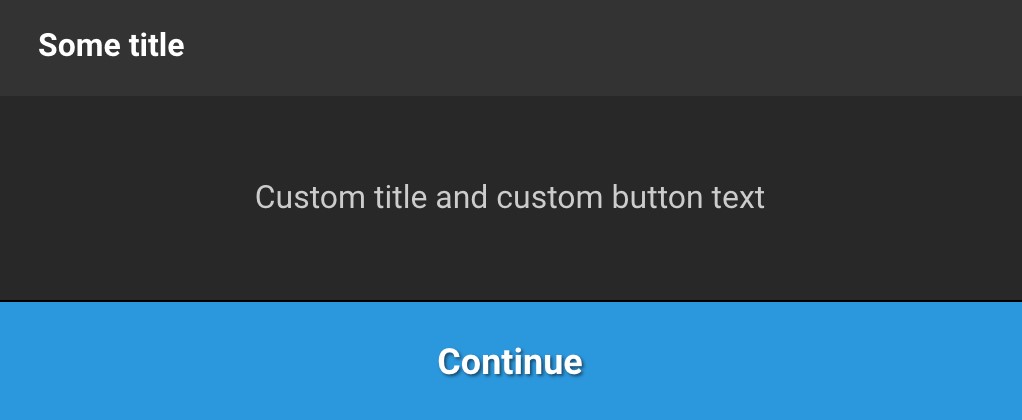 |
await api.uiControls.notify({
   title: 'Some title',
   button: 'Continue',
   message: 'Custom title and custom button text'
});
Example: displays notification window without a title and with the default button text.
 |
await api.uiControls.notify({
   message: 'No title and default button'
});
confirm
Displays a confirmation modal window with configurable message, title, and button text.
Method |
| ||||||
Parameters |
| ||||||
Returns |
|
Examples
Example: confirmation window with custom title and buttons.
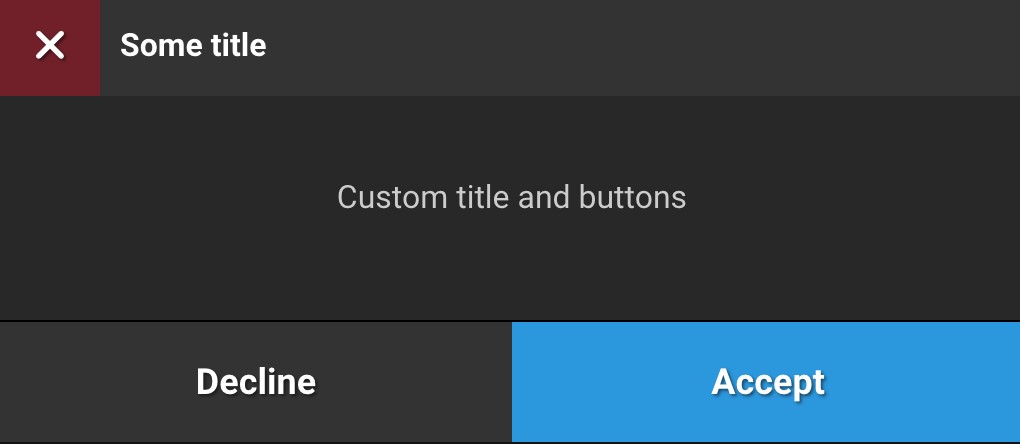 |
await api.uiControls.confirm({
   title: 'Some title',
   okButton: 'Accept',
   cancelButton: 'Decline',
   message: 'Custom title and buttons'
});
Example: confirmation window without a title and with default buttons.
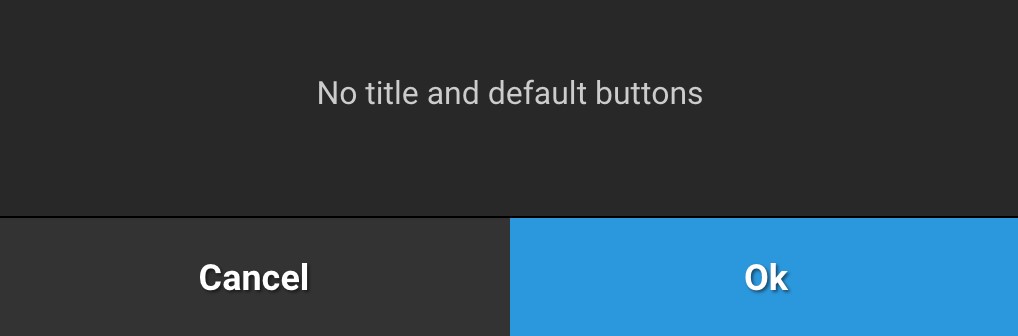 |
await api.uiControls.confirm({
   message: 'No title and default buttons'
});