Display Schemas
→ → → →
A Display Schema is a collection of displays. Define the orientation and resolution for each display in the schema.
Use Display Schemas to create and manage Display Schemas. The following is an overview of the Display Schemas homepage.
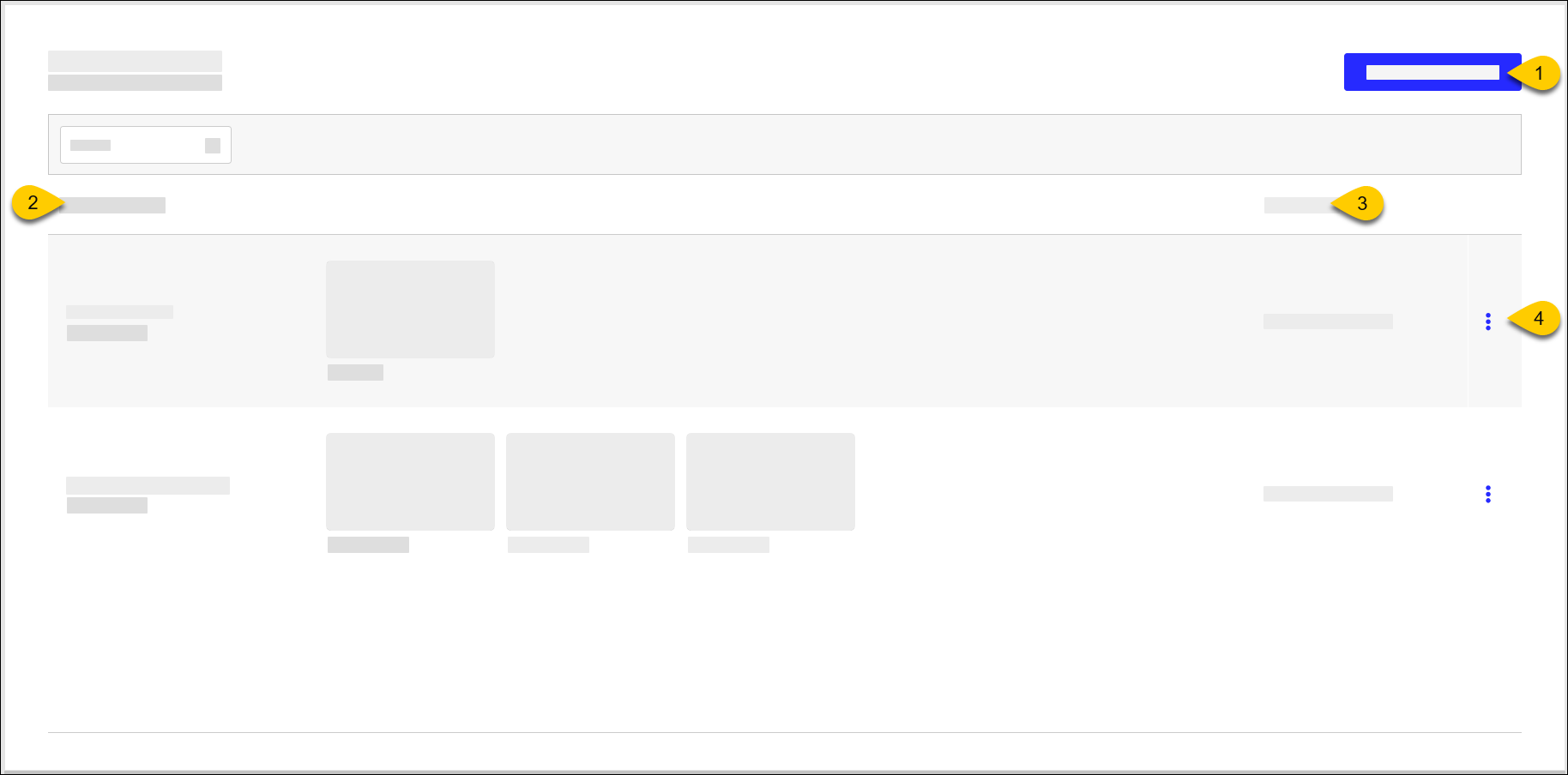 |
1 | Create Display Schema | |
2 | Display Schemas | Identifies the Display Schema and its maximum number of displays (horizontal and vertical) Select a Display Schema to view the schema. |
3 | Last Update | Date/time of last update |
4 | 3-Dot Menu | Select an action to perform on the Display Schema:
|
Create Display Schema
→ → → →
To create a Display Schema:
From the Display Schemas homepage, select Create Display Schema.
From the General page, define the following:
Setting
Description
Display Schema Name
Name of Display Schema
Description
Description of Display Schema
From the left menu pane, select Displays.
From an undefined display, select Add Display.
From the Add Display window, define the following:
Setting
Description
Display Name
Name of Display
Choose orientation and resolution
Select the preferred orientation and resolution
From the lower-right of the Add Display window, select Done.
Repeat steps 4-6 to add additional displays to the schema.
From the upper-right, select Save.